My Lucky Train Controls
Standard Roblox movement plus the lever, carts, ores, menus, and Tier Tower.
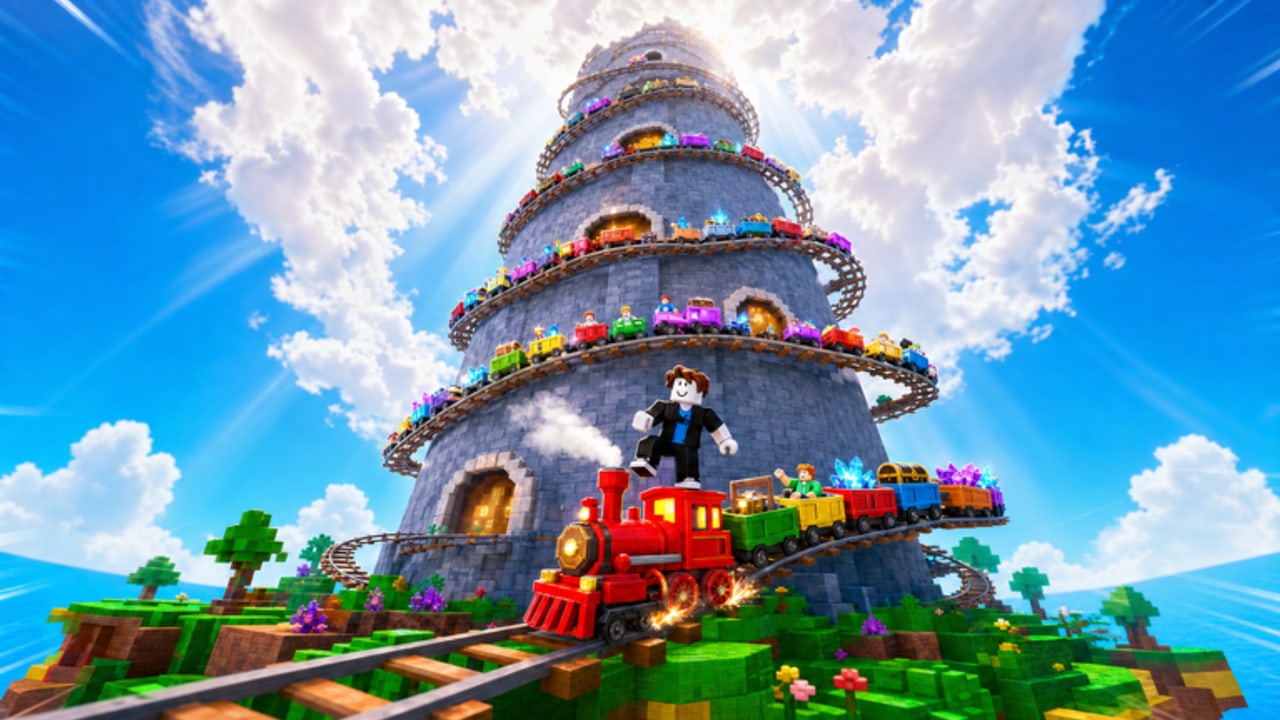
My Lucky Train runs on ordinary Roblox movement. You walk, jump, look around, and press the interact prompt on objects. The tycoon layer sits on top of that: pull a lever to roll carts, attach those carts to your personal train, collect ores on the shared island, smelt and sell them, then open menus for upgrades, the Cart Index, rebirth, and Tier Tower. This page maps those actions for PC and mobile. Exact on-screen labels can change. If a button is named differently in your build, match the job (roll, attach, smelt) rather than hunting for a string copied from an old screenshot.
Nothing here invents a unique keybind for the lever or a secret gesture for rebirth. If the game uses a proximity prompt, a world button, or a GUI tab, that is the control. Learn to recognize the object, then use the default Roblox interact.
Standard Roblox movement
On PC:
- WASD moves. Forward is usually W toward wherever the camera faces.
- Space jumps. You need jump to clear small railway lips and island rocks, not to complete a parkour story.
- Mouse looks. Hold the right mouse button in many Roblox experiences to free-look, or click into the window if the cursor is unlocked. Scroll the wheel to zoom if the camera allows it.
- Interact is the proximity prompt on machines and carts. Roblox often binds this to E or to a click on the prompt billboard. Use whichever prompt actually appears. Do not assume a second undocumented key.
- Shift sprint is not confirmed for this experience. If you do not see a sprint modifier, walk. Inventing a speed key wastes time.
On mobile:
- The left thumbstick walks. Keep your thumb on it while the other thumb handles camera and buttons.
- The jump button is the on-screen hop control. Use it the same way you would tap Space on PC.
- Swipe on the right side of the screen to look. Pinch or use any in-game zoom control if one is shown; do not fight the default camera by spinning in place.
- Tap a proximity prompt or world button to interact. Mobile players miss attaches because they tap the cart model instead of the prompt label. Aim for the billboard.
- Auto-walk and extra tap zones depend on your Roblox gesture settings. If the stick feels tiny, open Roblox movement settings rather than blaming the tycoon.
Keyboard, controller, and touch all share the same world. A 5-player server does not give PC players a private map. If someone else is standing on a prompt, wait or walk to another node instead of mashing interact through their character.
Camera and first-person habits
A lucky-train session is mostly walking between a lever, a train, an island, and a smelter. Keep the camera slightly high so you can see rails and other players. Zooming all the way into first person makes it harder to notice an unattached cart or a busy ore node. Zooming all the way out makes prompts easy to miss on mobile.
If the camera clips inside a cart or a piece of railway, take one step back and look again before you assume the interact is broken. Many “controls are bugged” reports are a zoom problem.
Game actions that exist
These verbs are in the official loop. How they appear (world lever, GUI button, prompt) can vary.
Pull the lever / roll carts. Find the roll machine — the thing the tutorial points you at — and interact with it. Each successful pull rolls a unique cart. There is no confirmed hotkey that rolls from across the map. Walk over, look at it, interact. If a GUI opens, confirm the roll on that panel. Stop rolling when you cannot afford the next pull; the lever is not a movement control.
Attach carts to the train. After a roll, the cart has to be coupled. Walk the cart and the train into prompt range and use attach / couple / add (whatever label you see). Watch the train. If the new cart is not trailing behind, you did not attach. Do not leave a rolled cart sitting beside the track and assume offline progress will glue it on.
Mine and collect ores. Leave the railway, travel the shared island, and interact with ore nodes or pickups. Collection is a proximity action: face the node, use interact or tap. Inventory fills. When you are full, going back to smelt is the control, not a new key. Other people in the 5-player server can stand on the same island, so pick a free node.
Smelt. Return to the production area and interact with the smelter. If a menu opens, confirm the smelt. If it is a drop-off, stay in the prompt until the ores leave your inventory. Smelting is not the same as selling. Do not walk away the moment the GUI blinks.
Sell. Interact with the sell point or cashier after you have smelted output. Cash from this step funds rolls and the menus in upgrades. If you interact with the smelter and your coin count does not change, you sold nothing — you only processed.
Upgrade menus. Open the upgrade UI from its world board or HUD button and buy cart, train, or production upgrades you can afford. This page does not invent prices. Close the menu when you are done so you can walk. A stuck GUI looks like a broken movement stick.
Cart Index. Open the index from its HUD or board. This is a collection log, not a movement mode. You browse what you have discovered. Closing it returns you to walking.
Rebirth. The rebirth control is a panel or world prompt you choose on purpose. It is not a jump pad. Read the panel, then confirm. There is no stealth key that rebirths you while you mine.
Tier Tower. Tower entry is a location plus an interact, not a default Roblox emote. Walk to the tower space, use the prompt, and follow whatever floor UI appears. Details belong on tier tower. Do not bind tower climbing to WASD in your head; WASD only walks you to the door.
PC versus mobile habits that actually matter
PC players should bind their left hand to WASD and treat the right hand as camera plus click. The failure mode is looking at the sky while the prompt sits on the lever. Mobile players should park the thumbstick before tapping a prompt. The failure mode is walking off the interact volume while the tap registers as a camera swipe.
If you play on a tablet with a keyboard cover, pick one scheme. Mixing WASD with a floating stick often double-moves and makes attaches feel broken.
Roblox shift-lock, tap-to-move, and touch-pad look are client settings. They are not unique My Lucky Train options. Tune them in Roblox settings if the camera fights you, then come back to the lever.
A practice loop that teaches the controls
- Walk to the lever without sprinting. Look at it until the prompt is readable. Roll once.
- Turn the camera to the train. Attach the cart. Watch the chain.
- Walk to the island. Collect until inventory is meaningful. Avoid other players’ prompts.
- Return, smelt, sell. Watch cash, not just the animation.
- Open upgrades or the index. Close the menu. Confirm WASD or the stick still moves you.
If any step fails, the problem is almost always camera, range, or a still-open GUI — not a missing secret key. After that loop is automatic, go back to getting started for spend order, or to upgrades and the tower when those buildings are the next goal.
Learn the six verbs in order: move, look, interact, roll, attach, process. Everything else in My Lucky Train is a menu on top of those six. If you cannot name which verb you are doing, put the device down until you can.
Frequently Asked Questions
Quick answers to the most common questions.
What are the PC controls for My Lucky Train?
Use WASD to move, Space to jump, and the mouse to look. Interact with levers, carts, ores, and menus through the on-screen proximity prompt (often E or a click). This wiki does not invent extra keybinds.
How do I play My Lucky Train on mobile?
Move with the left thumbstick, jump with the on-screen button, swipe to look, and tap prompts to roll, attach, mine, smelt, or sell. Park the stick before you tap so you do not walk out of range.
How do I roll and attach carts?
Walk to the lever, use the interact prompt to roll, then walk the new cart to your train and use the attach prompt. If the cart is not on the chain, it is not attached.
Why does interact do nothing?
You are out of range, another player is using the prompt, a menu is still open, or the camera is not facing the object. Step closer, close GUIs, and look at the billboard. Labels may differ from this page.
Is there a dedicated key for rebirth or Tier Tower?
No confirmed hotkey. Walk to the rebirth panel or tower entrance and use the prompt or GUI. See tier tower for the climb itself and upgrades for spend menus.